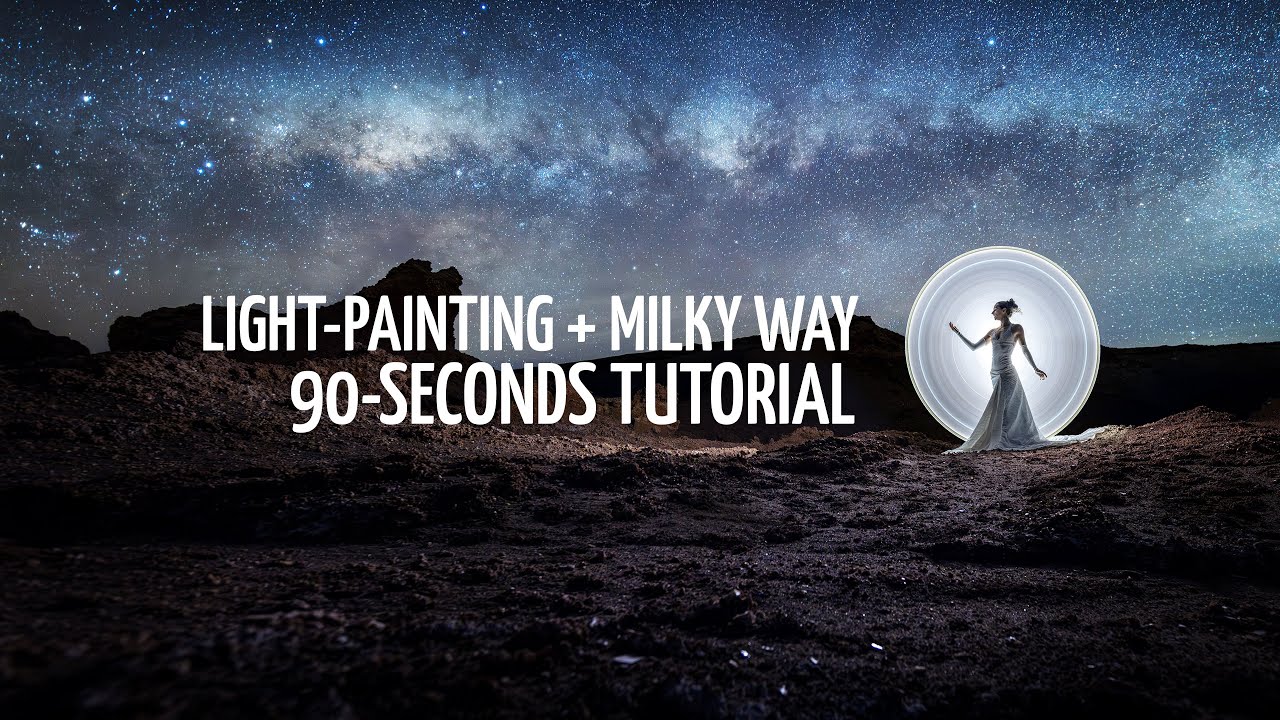
3 tricks to master light-painting + milky way
December 4, 2025
Here are three key points that will totally improve your images in that category.
1- High ISO test shot for the composition in the dark
Scout during daylight and choose a few framing options. The Night AR mode in PhotoPills is very helpful for that.
Once you’re in the dark, take a quick test shot: one-second exposure at a ridiculously high ISO. It’ll look ugly (very noisy), but it’s perfect to quickly check your framing.
Extra tip: you’ll usually get a better balance when the model faces toward the side of the frame where the Milky Way appears.
2- Fast light-painting within a longer exposure
Yes, you can do it in a single exposure. Use an eight-second shutter speed: a sweet spot long enough to capture the stars while keeping your subject sharp.
Start the exposure, create your light-painting shape within one or two seconds using a very dim flashlight, then turn off the light and wait while hiding behind the model.
The model must stay perfectly still for the entire exposure.
3- Choose the right color for your light-painting tool
Which tube color to choose? Because we typically shoot with a cooler white balance under the night sky, you want a tube color that’s slightly warmer to compensate for the colder WB value.
If you use a white tube, it’ll look bluish, including on the model’s skin.
Our current go-tos to get a natural look are Pinkish and Warmish.
For a different effect, and a bit more light on the model, try a black tube with a small Warmish, or a small Rose-Bronze tube with a glow cap on top.